
About QA Playground
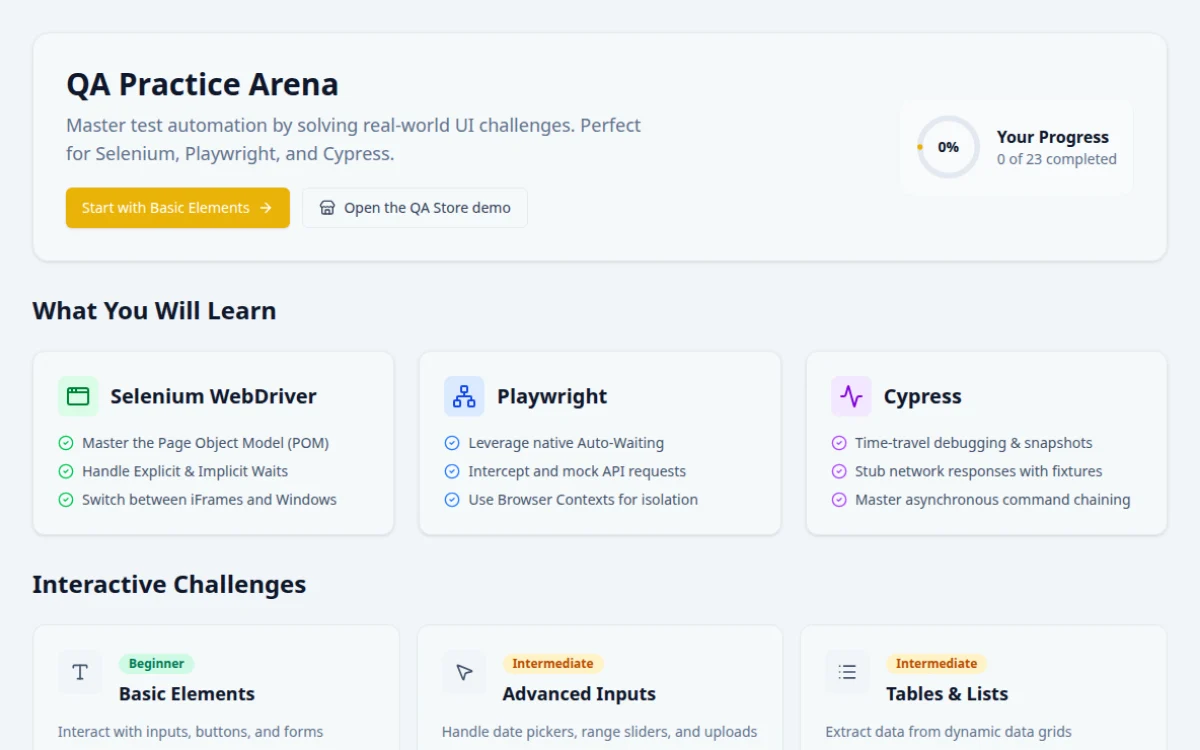
A QA automation practice website is a safe web app built to be tested, so you can write Selenium, Playwright or Cypress scripts without touching a real product. QA Playground offers 23 free challenges, from basic forms to flaky pages, iframes and API mocking. Each has positive and negative test cases, a pass/fail result box and hints, and runs in the browser with no signup.
Frequently asked questions
What is the best website to practice Selenium automation?
Pick a site that gives tasks, not just components. QA Playground has 23 challenges, 4 tools with pass/fail checks, hints and reference solutions. The Internet, SauceDemo and DemoQA are also common choices. Start with simple forms and move to waits, frames and flaky behavior as you improve.
Can I use this site to practice Playwright and Cypress too?
Yes. The site is plain web UI, so any tool works. Newer challenge pages include reference solutions in Playwright, Selenium Java, Selenium Python and Cypress, so you can compare how each framework handles the same task.
Is the practice site really free and without signup?
Yes. Every challenge is free, needs no account and runs in the browser. You can automate it against the live URL from your own machine, and a certificate is available once you finish all challenges.
What should a beginner practice first in test automation?
Start with Basic Elements and Popups & Dialogs: inputs, buttons, forms, alerts and modals. Then learn explicit waits on Dynamic & Waits, and only after that try frames, shadow DOM, windows and drag and drop.
How do I practice handling flaky tests?
Use the Flaky Page and Click Traps challenges. They add random delays, failures and re-rendered elements, so fixed sleeps fail. Replace sleeps with auto-waiting locators, explicit waits and retry-safe assertions, then check that the run passes repeatedly.
Free developer tools on Randomly.online
QA Playground is part of Randomly.online. These tools help while you write and debug tests: