
Windows & Tabs
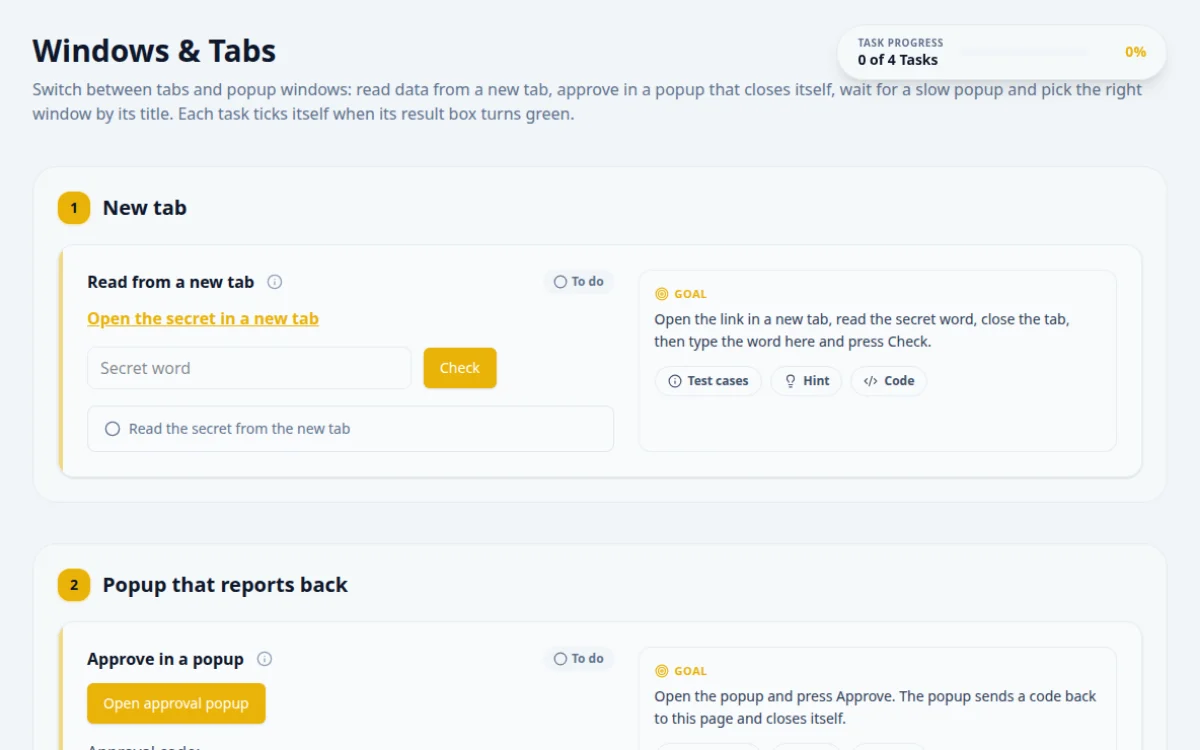
Switch between tabs and popup windows: read data from a new tab, approve in a popup that closes itself, wait for a slow popup and pick the right window by its title. Each task ticks itself when its result box turns green.
1.New tab
Open the link in a new tab, read the secret word, close the tab, then type the word here and press Check.
- The new tab shows a secret word
- Typing it and pressing Check shows success
- A wrong word shows a failure
- Switching before the new tab exists
Wait for the new window to exist before switching: compare the window handles from before and after the click.
const tabPromise = page.context().waitForEvent('page');
await page.locator('#open-tab').click();
const tab = await tabPromise;
const secret = (await tab.locator('#tab-secret').innerText()).trim();
await tab.close();
await page.locator('#tab-secret-input').fill(secret);
await page.locator('#check-secret').click();2.Popup that reports back
Approval code:
Open the popup and press Approve. The popup sends a code back to this page and closes itself.
- After Approve, the code appears here and the popup is gone
- Running another command on the closed popup: it throws NoSuchWindowException
After Approve the popup closes itself. Switch back to the main window straight away.
const popupPromise = page.waitForEvent('popup');
await page.locator('#open-popup').click();
const popup = await popupPromise;
await popup.locator('#approve-btn').click();
await expect(page.locator('#approval-code')).toHaveText(/^[A-Z0-9]{6}$/);3.Slow popup
Open the slow popup. Its Confirm button appears after 1 to 3 seconds: wait for it and click it.
- Clicking Confirm shows success here
- A fixed sleep is either too short or wastes time
Switch to the popup, then wait for the Confirm button to be clickable inside it.
const popupPromise = page.waitForEvent('popup');
await page.locator('#open-delayed').click();
const popup = await popupPromise;
await popup.locator('#delayed-confirm').click({ timeout: 5000 });4.Pick the right window
Open all three windows, switch to the one titled “Window B” and press its button.
- Pressing the button in Window B shows success
- Assuming handle order matches opening order
- The button is disabled in Window A and Window C
Loop over every window handle, switch to it and check the title until it reads “Window B”.
for (const w of ['a', 'b', 'c']) await page.locator(`#open-${w}`).click();
await expect.poll(() => page.context().pages().length).toBe(4);
for (const p of page.context().pages()) {
  if (p === page) continue;
  await expect(p).toHaveTitle(/^Window [ABC]$/); // a new window sets its title after it loads
  if ((await p.title()) === 'Window B') await p.locator('#pick-me').click();
}
5. Solutions
Try the challenges yourself first. Reference solutions are hidden until you ask for them.
About this Windows & Tabs page
Window handling is switching your test's focus between browser tabs and popup windows. Selenium gives each window a handle, and you switch with getWindowHandles() and switchTo().window(handle), often choosing the target by title or URL. Playwright exposes new pages through the context page event or page.waitForEvent('popup'). Cypress cannot switch tabs, so tests remove target=_blank or visit the URL directly.
Frequently asked questions
How do you switch to a new tab in Selenium?
Store the current handle with getWindowHandle(), click the link, then loop through getWindowHandles() and switch to the one that differs. In Selenium 4 you can also call driver.switchTo().newWindow(WindowType.TAB) to open and focus a tab. Switch back with the stored handle.
How do you switch to a window by title in Selenium?
Iterate over driver.getWindowHandles(), call switchTo().window(handle) for each, and compare driver.getTitle() with the expected title. Stop when it matches. If none match, switch back to the original handle so later steps do not run in the wrong window.
How do you handle a new tab in Playwright?
Start waiting before the click: const [newPage] = await Promise.all([context.waitForEvent('page'), page.click('a')]). For window.open popups use page.waitForEvent('popup'). Then call newPage.waitForLoadState() and work with newPage directly. No switching is required.
How do you handle a popup that closes itself?
Grab the handle list before the popup closes, switch to it, read what you need, and switch back to the parent. After it closes, using the old handle throws NoSuchWindowException in Selenium. In Playwright, listen for the page close event.
Can Cypress switch between tabs?
No, Cypress runs inside one tab. Remove the target attribute with invoke('removeAttr', 'target') so the link opens in the same tab, or read the href and cy.visit it. For popups, stub window.open with cy.stub and assert the call.
Free developer tools on Randomly.online
QA Playground is part of Randomly.online. These tools help while you write and debug tests: