
Virtual Table
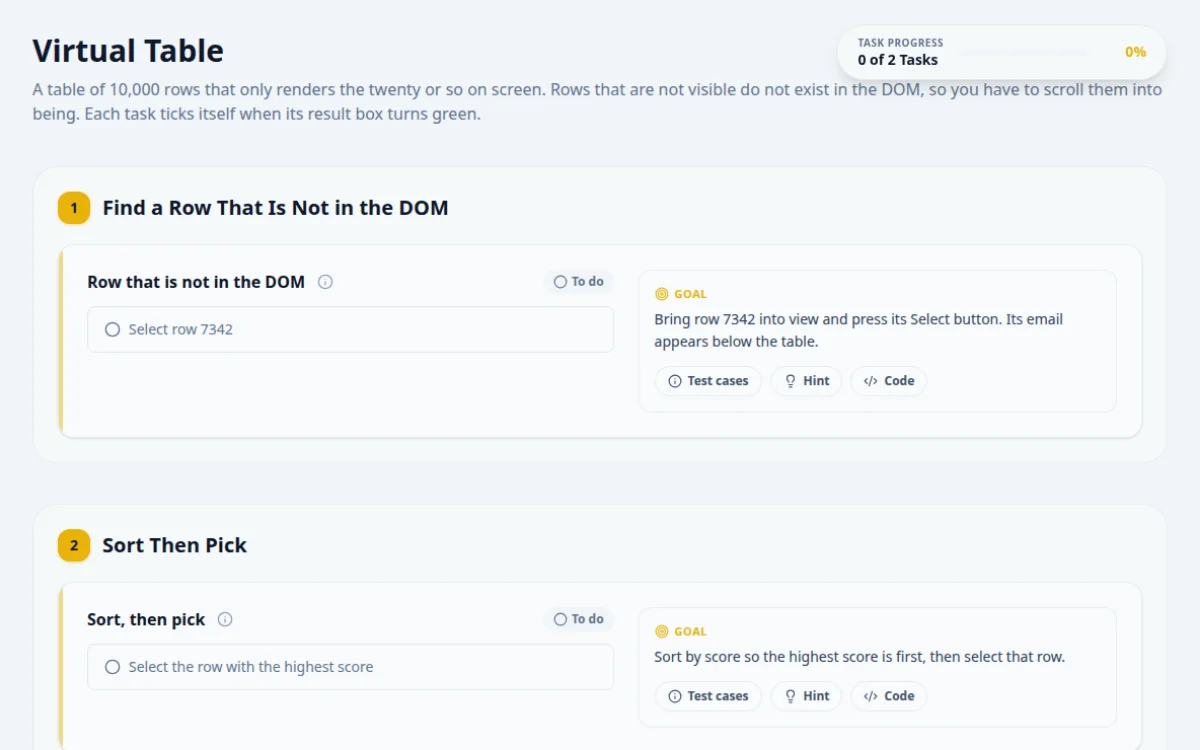
A table of 10,000 rows that only renders the twenty or so on screen. Rows that are not visible do not exist in the DOM, so you have to scroll them into being. Each task ticks itself when its result box turns green.
1.Find a Row That Is Not in the DOM
Bring row 7342 into view and press its Select button. Its email appears below the table.
- Selecting row 7342 shows its email and the result turns green.
- Only around 20 rows exist in the DOM at once.
Rows are 40 px tall: set the grid's scrollTop to (7342 - 1) × 40, then wait for [data-row-id="7342"].
const grid = page.locator('#virtual-grid');
await grid.evaluate((el) => { el.scrollTop = (7342 - 1) * 40; }); // rows are 40 px tall
await grid.locator('[data-row-id="7342"]').getByRole('button', { name: 'Select' }).click();
await expect(page.locator('#selected-email')).toHaveText(/7342@example\.test$/);2.Sort Then Pick
Sort by score so the highest score is first, then select that row.
- The first click on Score sorts from highest to lowest.
- Selecting the top row turns the result green.
- Without sorting, the top scorer is thousands of rows down.
Click the Score header once (highest first), then select the first rendered row.
await page.locator('#sort-score').click();
await expect(page.locator('#sort-score')).toHaveAttribute('aria-sort', 'descending');
await page.locator('#virtual-grid [data-row-id]').first().getByRole('button', { name: 'Select' }).click();3.The Table
Selected:
4. Solutions
Try the challenges yourself first. Reference solutions are hidden until you ask for them.
About this Virtual Table page
A virtual table renders only the rows visible on screen and recycles them as you scroll, so most of the data is never in the DOM. To automate it, scroll in small steps, re-query rows after each step, match by a stable key, and use sorting to bring a target row to the top. This free page has 10,000 rows.
Frequently asked questions
What is a virtualized table?
A virtualized table keeps only the visible rows, plus a small buffer, in the DOM and swaps their content as the user scrolls. It stays fast with thousands of rows, but a row count from the DOM shows the rendered rows, not the total.
How do I scroll a virtual list in Playwright?
Use page.mouse.wheel(0, 400) or set scrollTop with locator.evaluate in bounded steps. After each step, re-query the rows and check for the target text, and stop at a maximum number of steps so a missing row fails the test.
Why does my row count only show 20 rows?
Because the table is virtualized and only the rows in view exist in the DOM. Read the total from an aria-rowcount attribute, a counter in the UI or the API response instead of counting row elements.
How do I find a row in a 10,000 row table?
Prefer a search box, filter or column sort to bring the row into view. If none exists, scroll in steps and match on a stable id. Sorting is often faster and more reliable than scrolling to a fixed position.
Is there a free virtual table to practice on?
Yes. This page has 10,000 rows with only a few in the DOM, tasks with positive and negative cases, a pass or fail box, hints and solutions in four frameworks. It is free and needs no signup.
Free developer tools on Randomly.online
QA Playground is part of Randomly.online. These tools help while you write and debug tests: