
Store Lazy Loading
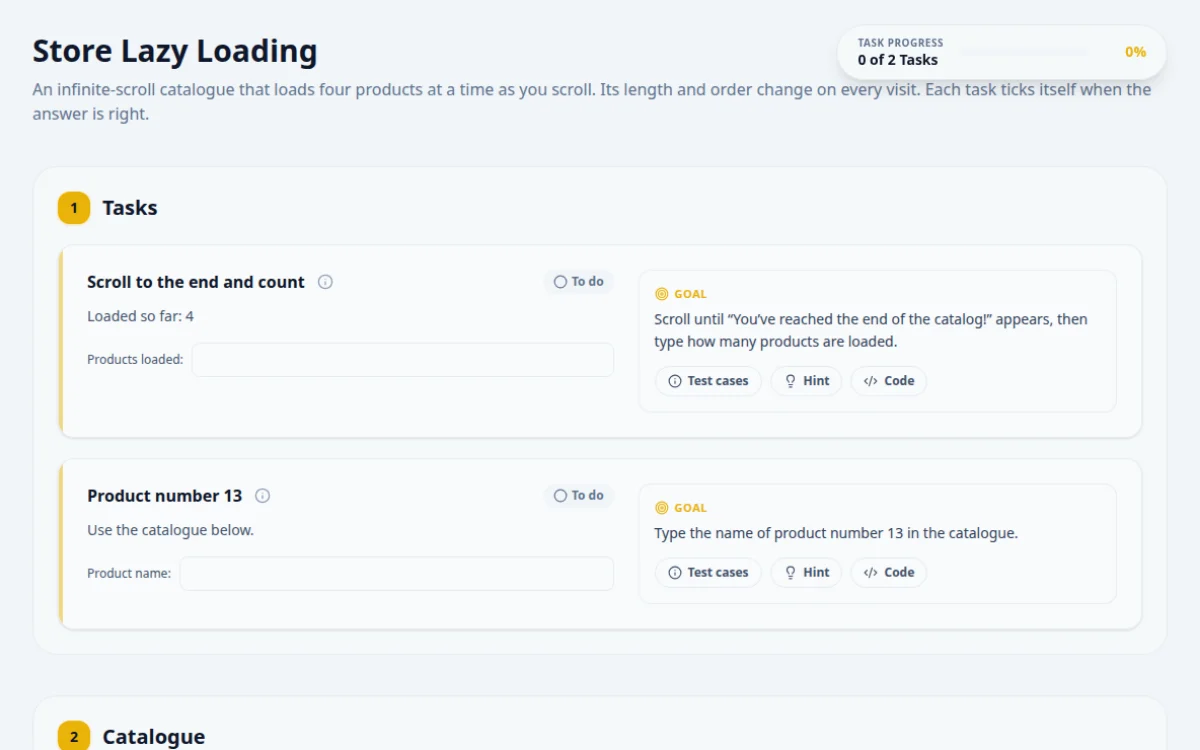
An infinite-scroll catalogue that loads four products at a time as you scroll. Its length and order change on every visit. Each task ticks itself when the answer is right.
1.Tasks
Loaded so far: 4
Scroll until “You’ve reached the end of the catalog!” appears, then type how many products are loaded.
- The end message is visible
- The answer matches the number of product cards
- Counting after one scroll: more batches are still to come
- Scrolling once to the bottom and assuming that loads everything
Loop: scroll the last card into view, wait for the card count to grow or the end message to appear, repeat. The cards are in the catalogue below.
// The spinner can vanish mid-scroll, so find and scroll in one step inside the page
const scrollDown = () => page.evaluate(() =>
  document.querySelector('#lazy-loading-indicator, #lazy-end-message')?.scrollIntoView());
while (!(await page.locator('#lazy-end-message').isVisible())) {
  await scrollDown();
  await page.waitForTimeout(250); // let the next batch arrive, then loop
}
const count = await page.getByTestId('product-card').count();
await page.getByTestId('answer-lazy-count').fill(String(count));Use the catalogue below.
Type the name of product number 13 in the catalogue.
- The answer matches card 13, counting from 1
- Reading index 13 from a zero-based list: that is card 14
- Reading before that card has loaded
Card 13 arrives in the fourth batch. Keep scrolling until at least 13 cards exist.
const cards = page.getByTestId('product-card');
while ((await cards.count()) < 13) {
  await page.evaluate(() => document.querySelector('#lazy-loading-indicator')?.scrollIntoView());
  await page.waitForTimeout(250);
}
const name = await cards.nth(12).locator('h3').textContent();
await page.getByTestId('answer-lazy-nth').fill(name!.trim());2.Catalogue




About this Store Lazy Loading page
Lazy loading is a pattern where a page fetches and renders content only when the user scrolls near it. To automate it, scroll the list or its last item into view, then wait for the item count to grow. Playwright offers scrollIntoViewIfNeeded and mouse.wheel. Selenium uses JavaScript scrollIntoView or Actions, followed by an explicit wait.
Frequently asked questions
How do I test infinite scroll in Playwright?
Scroll the last item into view with locator.scrollIntoViewIfNeeded() or mouse.wheel(), then assert the count grows with expect(items).toHaveCount(n) or expect.poll. Repeat until the count stops changing or reaches the expected total, rather than using fixed sleeps.
How do I scroll to load more content in Selenium?
Run driver.execute_script('arguments[0].scrollIntoView()', lastItem) or use Actions.scroll_to_element in Selenium 4, then use WebDriverWait to wait until the number of items increases. Loop until no new items appear.
What is the difference between lazy loading and pagination?
Pagination splits content across pages the user navigates. Lazy loading or infinite scroll appends items to the same page as the user scrolls. Tests for lazy loading need scroll actions and waits, while pagination tests click next and check the URL or content.
Why does my element not exist until I scroll?
The page only renders it after it enters the viewport, usually via IntersectionObserver. Scroll to the container first, wait for the element, then interact. Locating it before scrolling will fail with a not found or timeout error.
Can I check lazy loaded images in a test?
Yes. Scroll the image into view, then assert its naturalWidth is greater than zero or that the src attribute is populated. Playwright can evaluate this in the page, and Cypress can use invoke on the element.
Free developer tools on Randomly.online
QA Playground is part of Randomly.online. These tools help while you write and debug tests: