
Bug Hunt
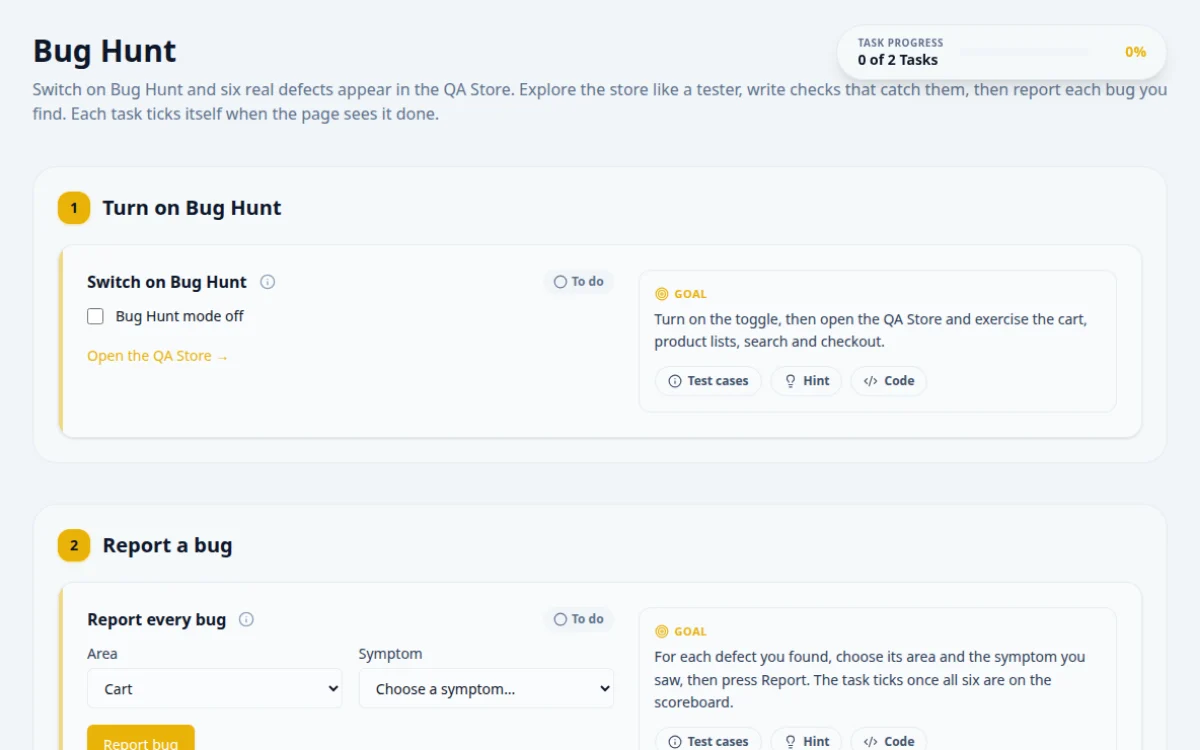
Switch on Bug Hunt and six real defects appear in the QA Store. Explore the store like a tester, write checks that catch them, then report each bug you find. Each task ticks itself when the page sees it done.
1.Turn on Bug Hunt
Turn on the toggle, then open the QA Store and exercise the cart, product lists, search and checkout.
- With Bug Hunt on, at least one store feature behaves differently from its label or spec.
- With Bug Hunt off, the store behaves correctly: the cart subtotal equals price × quantity.
Assert computed values, not just presence: compare the cart subtotal with unit price × quantity, and read every price to check a sort.
await page.locator('#bug-hunt-toggle').check();
await page.locator('#open-store').click();
// e.g. after adding 2 of a product to the cart:
const unit = Number((await page.getByTestId('cart-unit-price').first().innerText()).replace(/[^\d.]/g, ''));
await expect(page.getByTestId('cart-subtotal')).toContainText((unit * 2).toFixed(2));2.Report a bug
For each defect you found, choose its area and the symptom you saw, then press Report. The task ticks once all six are on the scoreboard.
- Reporting a planted bug shows 'Confirmed bug!' and adds it to the scoreboard.
- Reporting correct behaviour, or the same bug twice, is rejected.
async function report(area: string, symptom: string) {
  await page.locator('#bug-area').selectOption(area);
  await page.locator('#bug-symptom').selectOption(symptom);
  await page.locator('#report-bug').click();
  await expect(page.getByTestId('result-report')).toHaveAttribute('data-state', 'success');
}3.Scoreboard
0 / 6 found
About this Bug Hunt page
A bug hunt is an exercise where testers explore an application that contains known defects and report what they find. This free page plants six real bugs in the QA Store, a working mock shop. You find them by exploratory testing, then write Playwright, Selenium or Cypress checks that fail because of each bug.
Frequently asked questions
Where can I practice finding bugs as a tester?
Sites such as AcademyBugs and Guru99 list deliberately buggy pages. The Bug Hunt on QA Playground plants six bugs in a working store, checks your answers with a result box, offers per-task hints, and is free with no signup.
How do I practice exploratory testing?
Set a charter, such as 'explore checkout with unusual quantities', and time-box it to 30 to 60 minutes. Take notes on what you try, vary inputs and flows, and record anything unexpected. Then turn each finding into a reproducible bug report.
What makes a good bug report?
A clear title, numbered steps to reproduce, expected result, actual result, environment details and a screenshot or recording. Keep one bug per report. A developer should be able to reproduce the issue without asking you questions.
How do I turn a found bug into an automated test?
Write the test for the correct behavior and let it fail against the bug. For example, assert that the cart total equals the sum of the line items. Keep the test, and it will pass once the bug is fixed and guard against regression.
What kinds of bugs are hidden in the QA Store?
They are the kinds found in real shops: incorrect totals, validation that does not hold, state that does not persist and similar logic errors. The page lists each task with hints, so you can decide how much help to use.
Free developer tools on Randomly.online
QA Playground is part of Randomly.online. These tools help while you write and debug tests: